리틀 팟 Little PotLittle Pot小盆友 - 陪伴植物与温室花园

창가에서 키운 식물을 정원에 심고, 놀러 오는 곤충을 만나요

Plant what you grow by your window in your garden, and meet the bugs that come to visit

把窗边养大的植物,移栽到花园里,等昆虫来做客

1.1.1 새 소식: 더 즐거운 첫날, 다 자라면 꽃잎 축하, 쓰다듬으면 반짝이는 순간

New in 1.1.1: a happier first day, petals when it blooms, and sparkly surprises when you pet your pot

1.1.1 新内容:更快乐的第一天、长大时花瓣飞舞、摸摸花盆会有闪闪发光的惊喜

창가에서 식물을 키우고, 다 자라면 유리 온실 정원에 옮겨 심어요. 정원은 창가처럼 계절·날씨·낮과 밤이 바뀌고, 낮에는 나비와 꿀벌이 놀러 와요. 레벨을 올리거나 구입하면 정원이 최대 9곳까지 늘어나요. 광고도 로그인도 없어요.

Grow a plant by your window, then plant it in a glass greenhouse. The garden follows the season, the weather and day or night just like your window, with butterflies and bees visiting by day. Level up or buy more, and your garden grows to as many as nine. No ads, no sign-in.

在窗边养一盆植物,长大后移栽到玻璃温室花园。花园和窗边一样,随季节、天气和昼夜变化,白天有蝴蝶和蜜蜂来做客。提升等级或购买后,花园最多可以增加到9座。没有广告,也无需登录。

식물 키우기 & 정원 꾸미기 게임 · 첫 식물은 첫날 바로 자라요

Cozy idle plant & garden game · your first plant grows up on day one

养植物、种花园的休闲小游戏 · 第一盆植物当天就能长大

아이폰 · 맥

iPhone and Mac

iPhone 和 Mac

한국어 · English · 简体中文

Korean · English · Simplified Chinese

简体中文 · English · 한국어

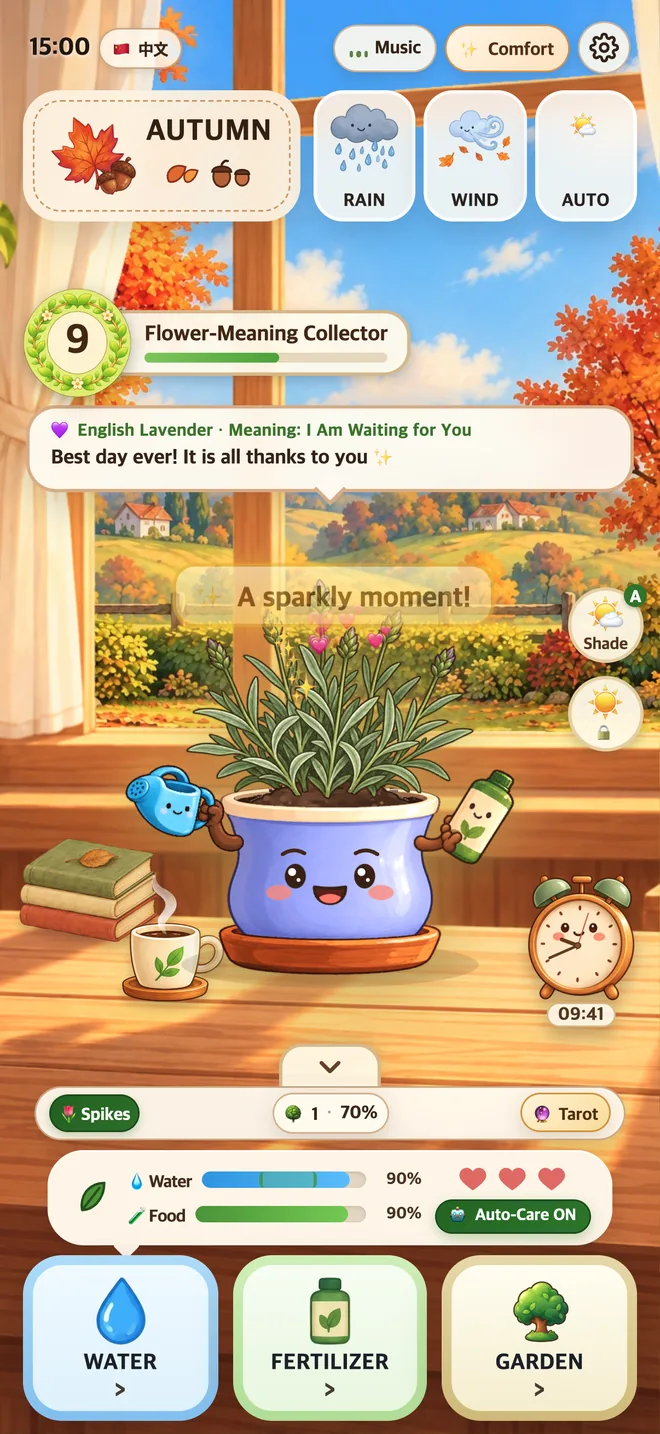
리틀 팟 화면Little Pot screen小盆友画面

핵심 기능Features功能

리틀 팟 화면Little Pot screen小盆友画面

1.1.1 새 기능New in 1.1.11.1.1 新增

더 즐거운 첫날A happier first day更快乐的第一天

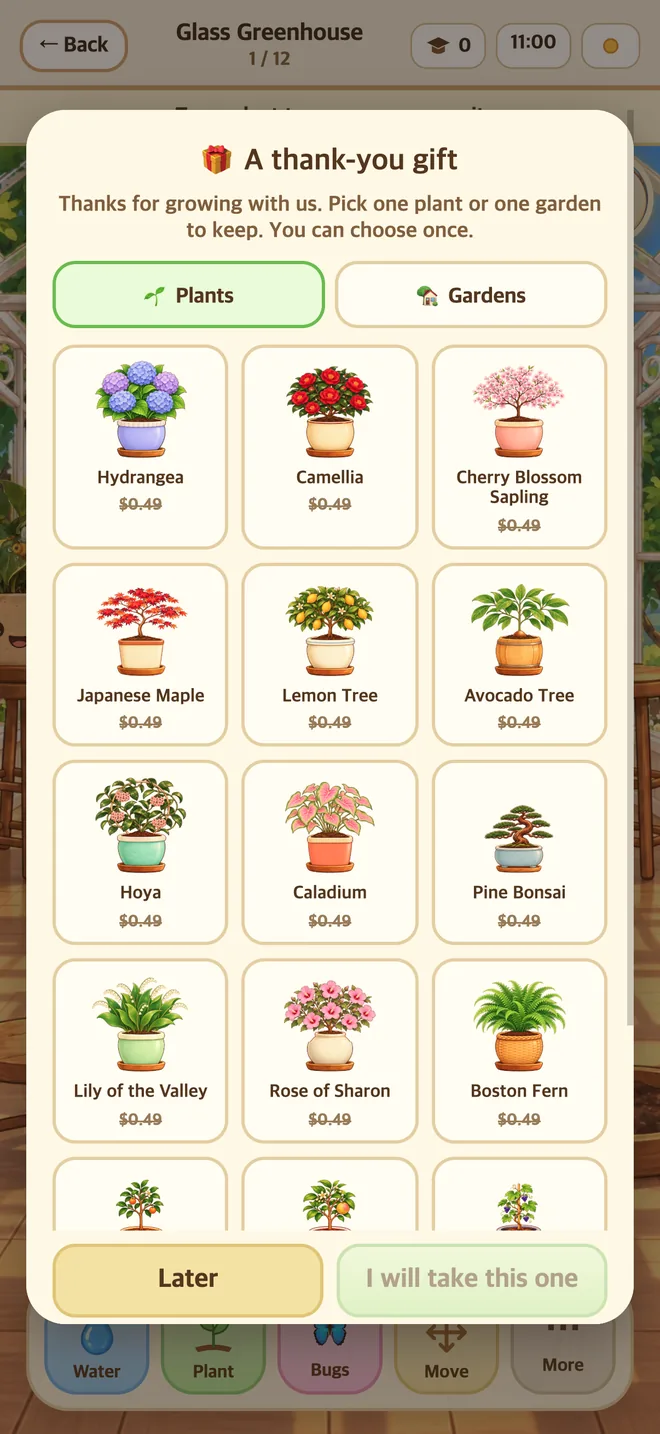
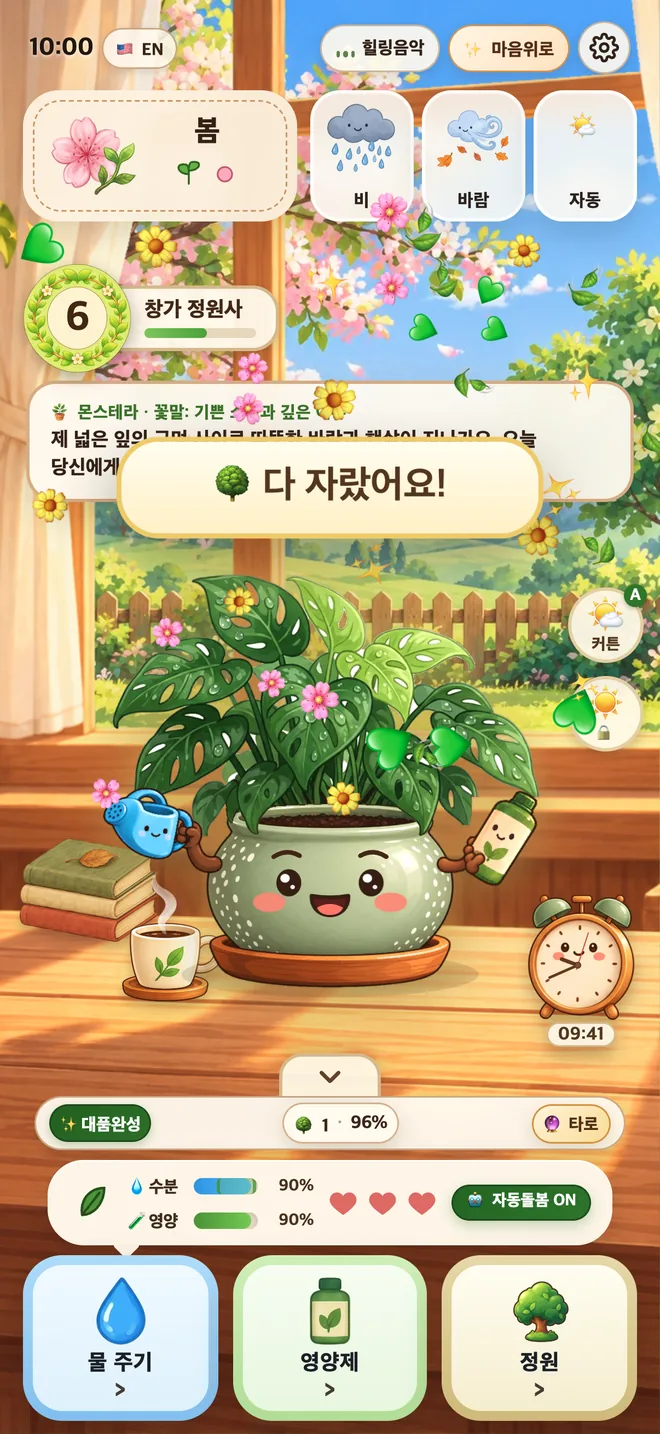
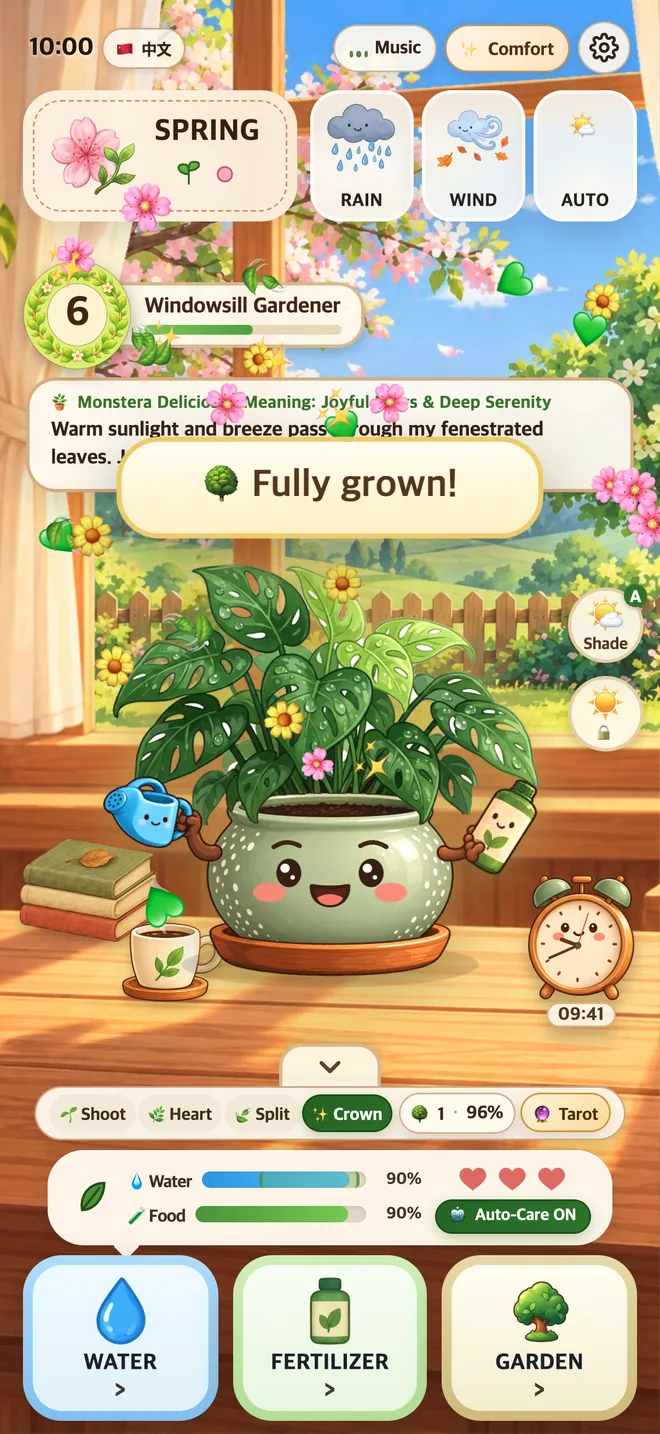
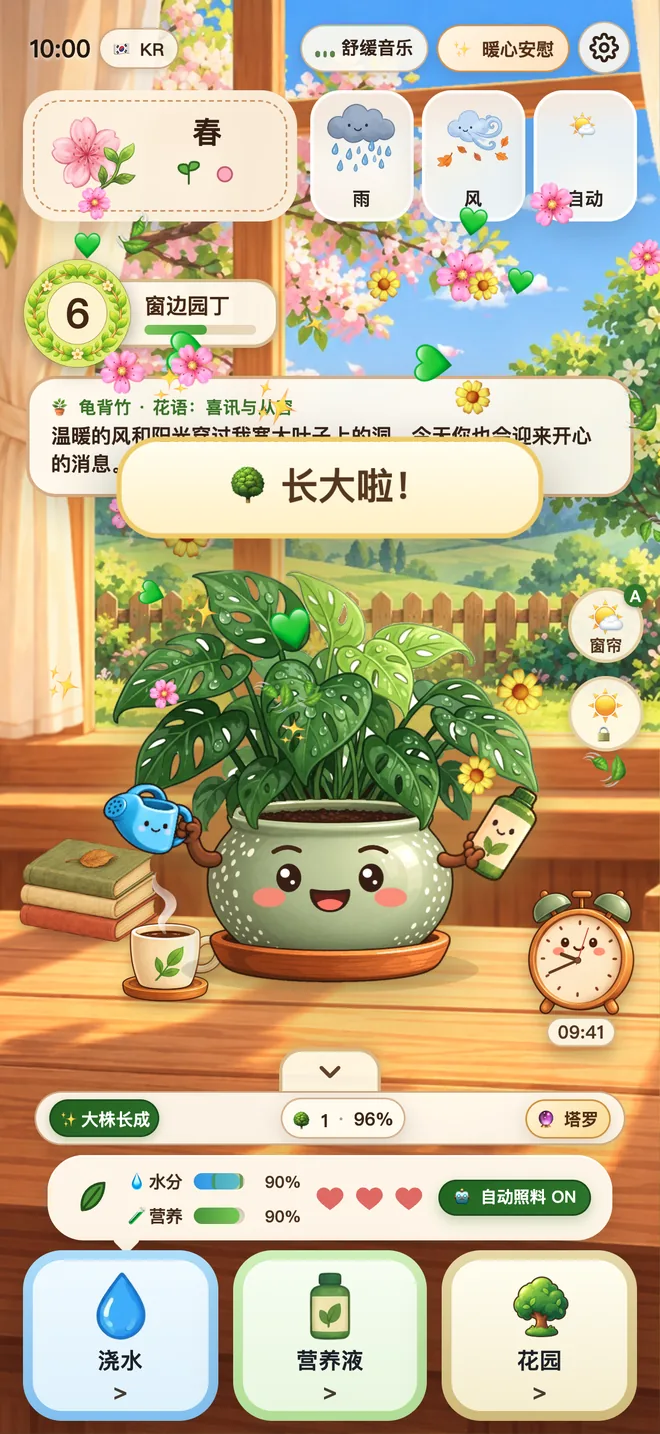
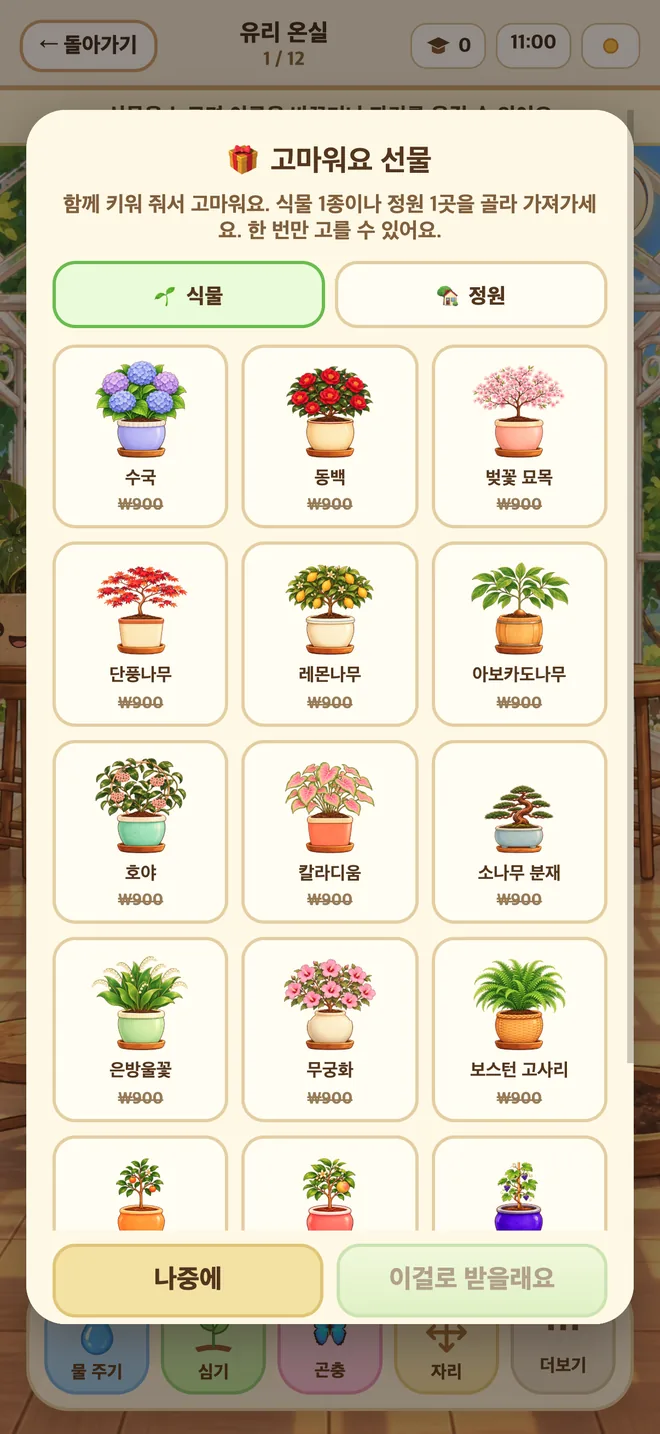
처음 시작하면 짧은 안내가 함께해요. 첫 식물은 빨리 자라서 첫날 바로 정원에 옮겨 심고 고마움의 선물을 골라요. 다 자랄 때, 정원에 심을 때, 레벨이 오를 때 꽃잎이 흩날리고, 화분을 쓰다듬으면 매번 다른 반응과 가끔 반짝이는 순간이 찾아와요.

New players get a short welcome. Your first plant grows up fast, so on day one you can plant it in the garden and pick a thank-you gift. Petals fly when a plant is grown, when you plant it and when you level up, and petting your pot brings a different reaction each time, with a rare sparkly moment now and then.

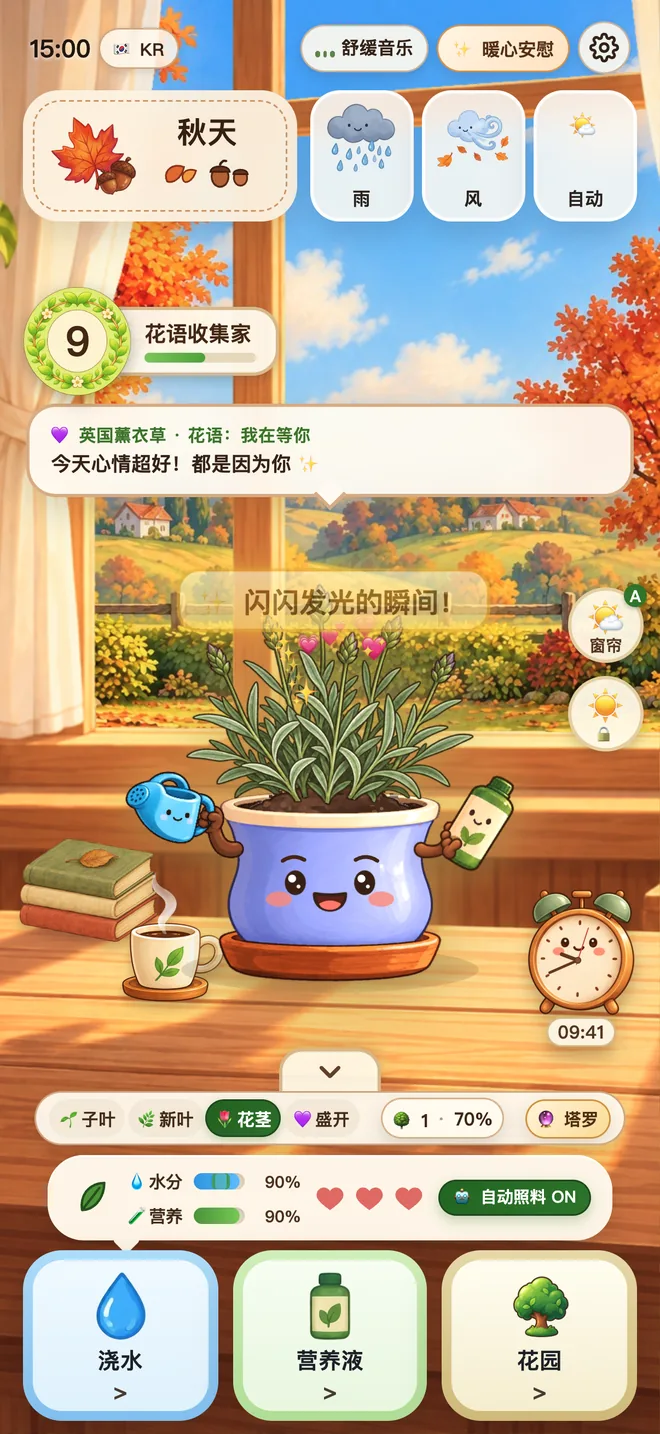
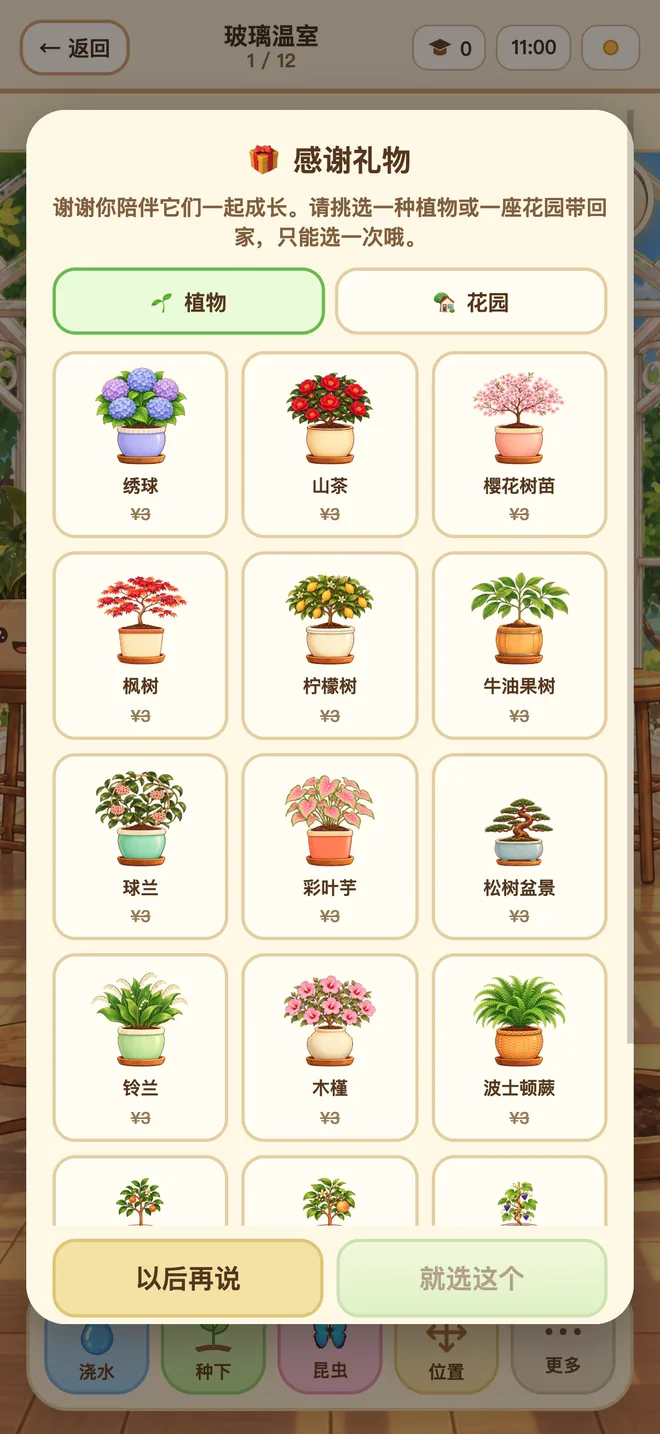
第一次打开时会有简短的引导。第一盆植物长得很快,第一天就能移栽到花园,并挑一份谢礼。 植物长大、移栽到花园、等级提升时都会有花瓣飞舞,摸摸花盆每次反应都不一样,偶尔还会出现闪闪发光的瞬间。
리틀 팟 화면Little Pot screen小盆友画面

1.1.0 새 기능New in 1.1.01.1.0 新增

유리 온실에서 시작하는 정원A glass-greenhouse garden that grows从玻璃温室开始的花园

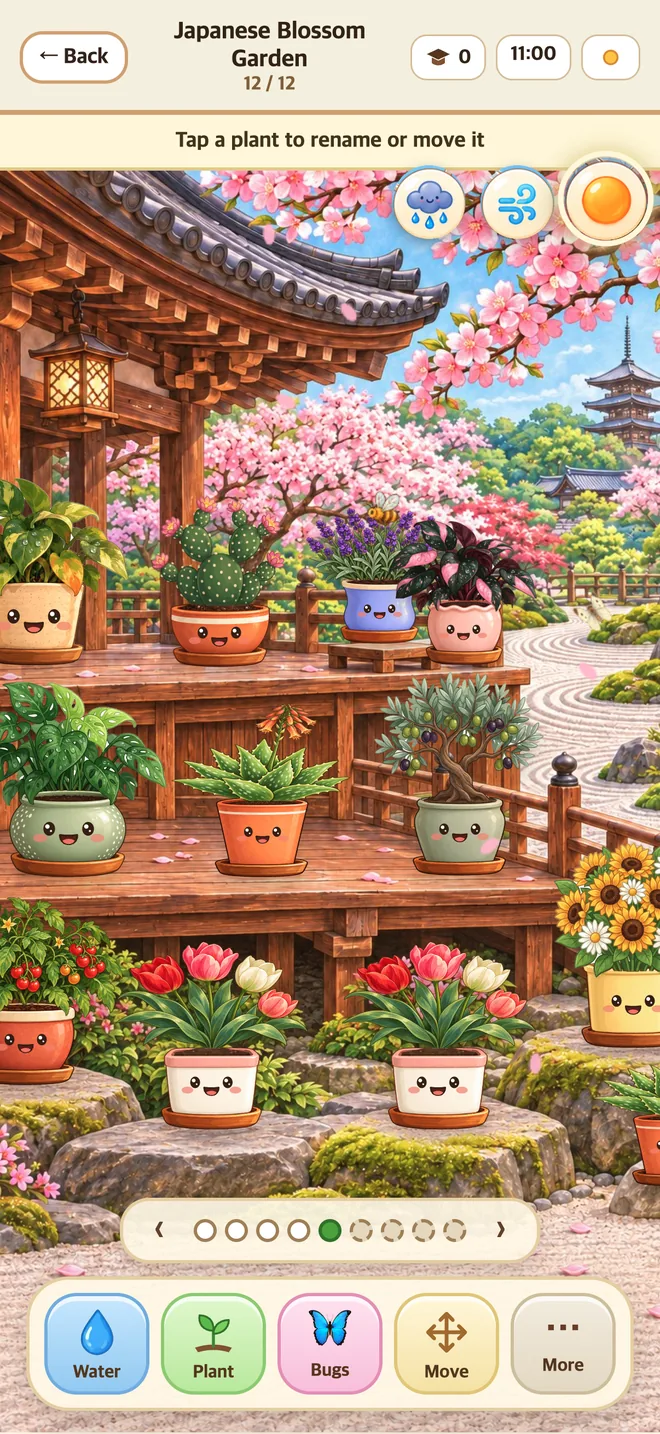
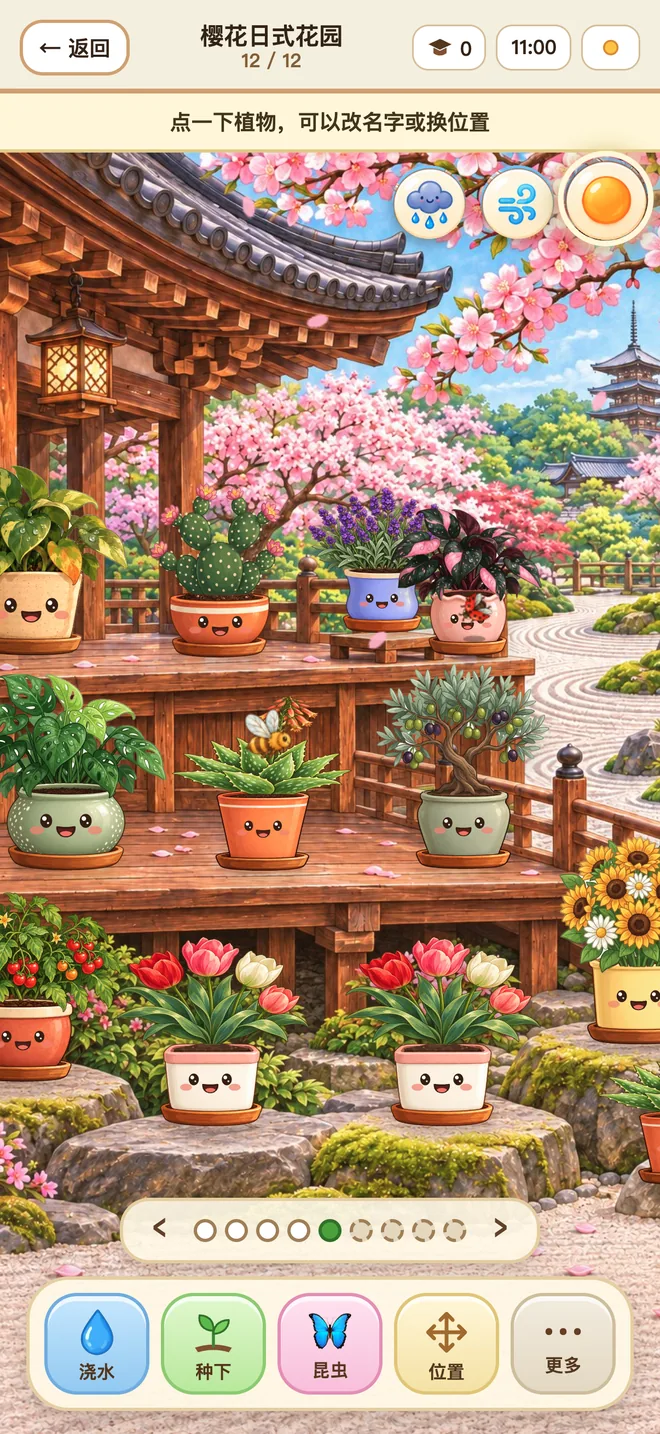
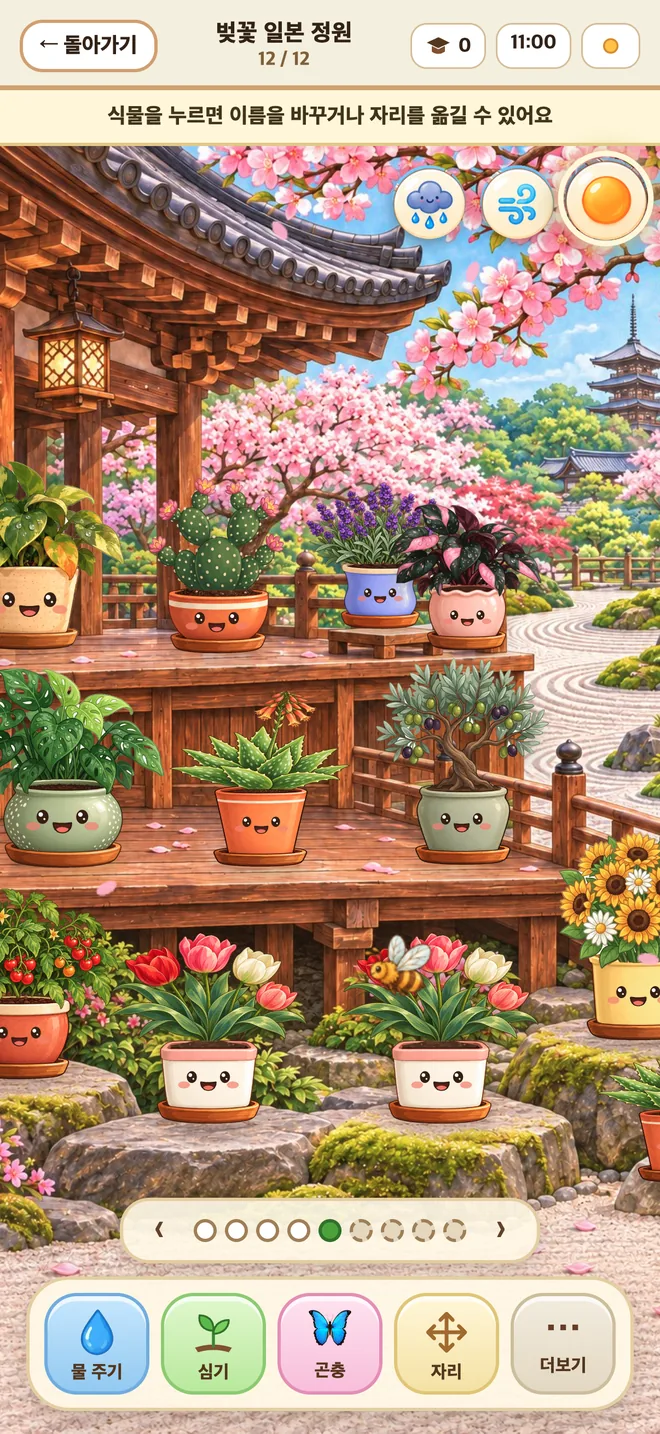
처음에는 유리 온실 1곳이에요. 레벨을 올리거나 구입하면 정원이 최대 9곳까지 늘어나요. 정원 화면을 좌우로 밀면 한옥 마당, 연못, 일본식·중국식·유럽식 정원이 차례로 나와요. 정원은 창가와 똑같이 계절·날씨·낮과 밤에 따라 바뀌어요.

You start with one glass greenhouse. Level up or buy more, and your garden grows to as many as nine. Swipe sideways to visit a hanok courtyard, a pond, and Japanese, Chinese and European gardens. The garden follows season, weather and day or night exactly like your window.

一开始只有玻璃温室1座。提升等级或购买后,花园最多可以增加到9座。 在花园界面左右滑动,就能依次逛韩屋庭院、池塘,以及日式、中式和欧式花园。花园和窗边完全一样,会随季节、天气和昼夜变化。
리틀 팟 화면Little Pot screen小盆友画面

1.1.0 새 기능New in 1.1.01.1.0 新增

정원 곤충Garden bugs花园昆虫

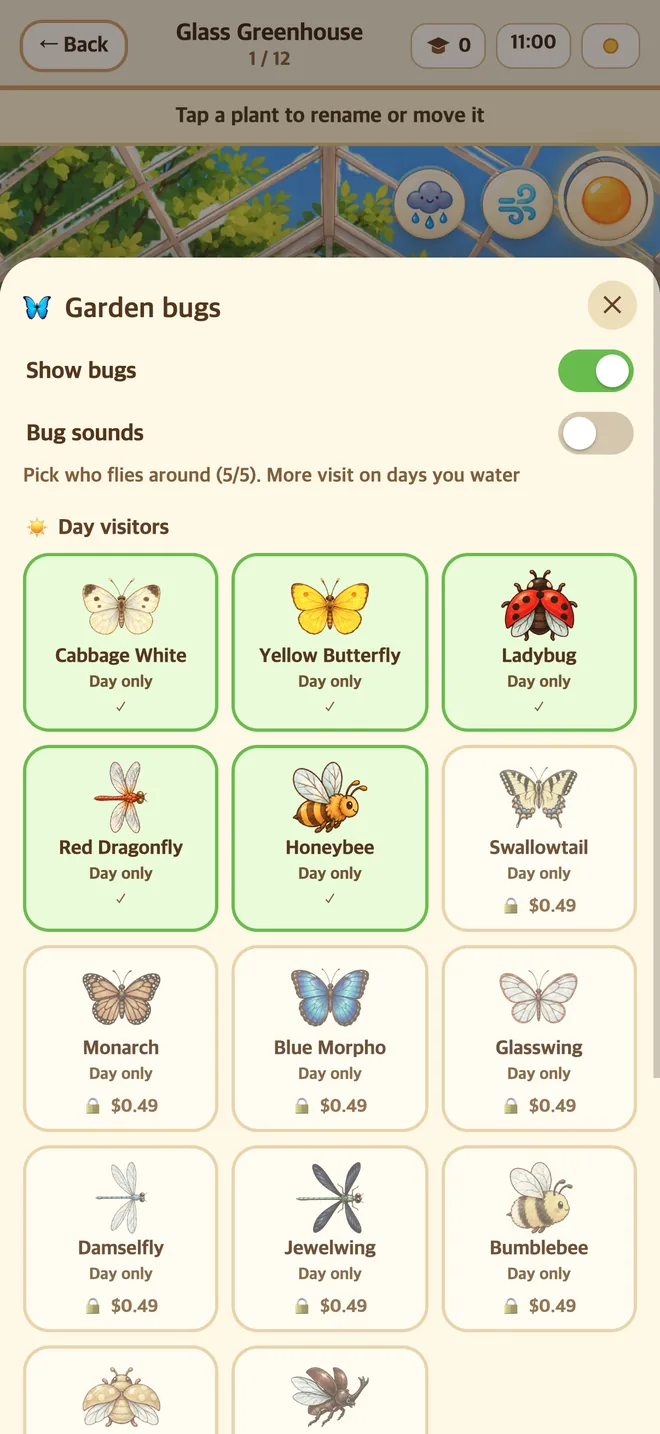
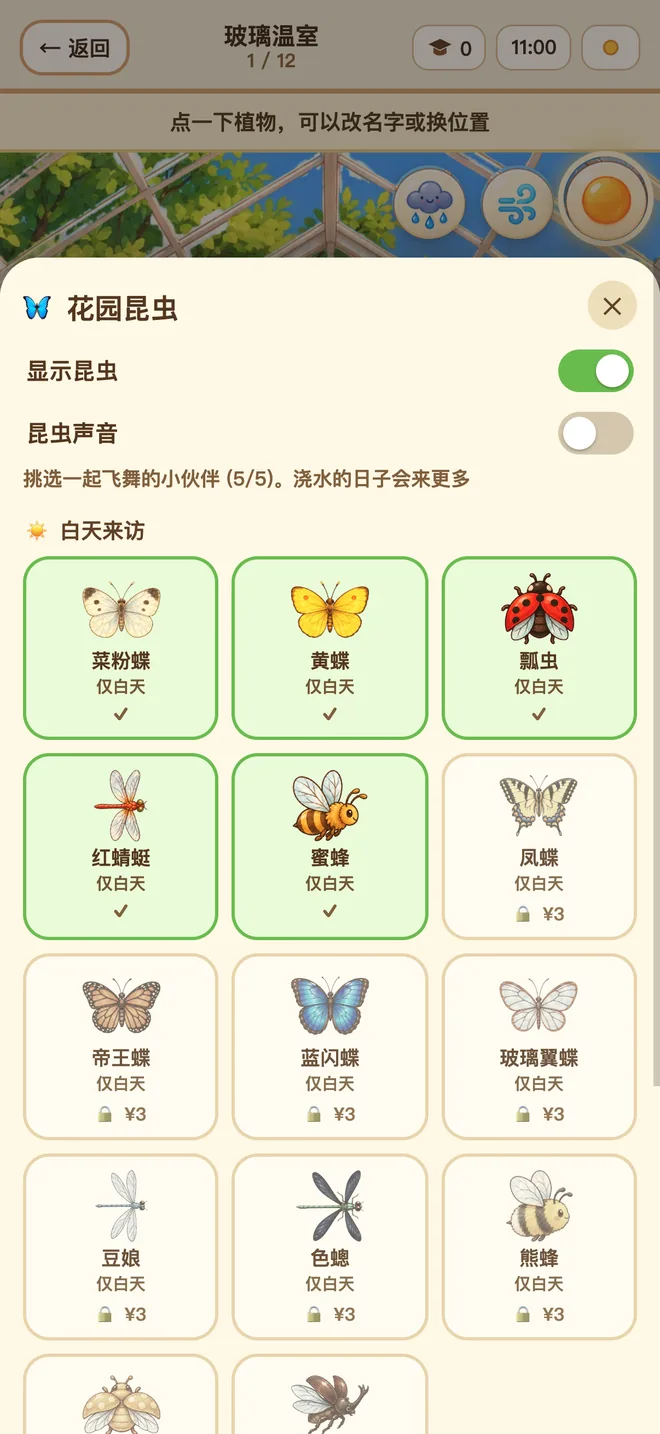
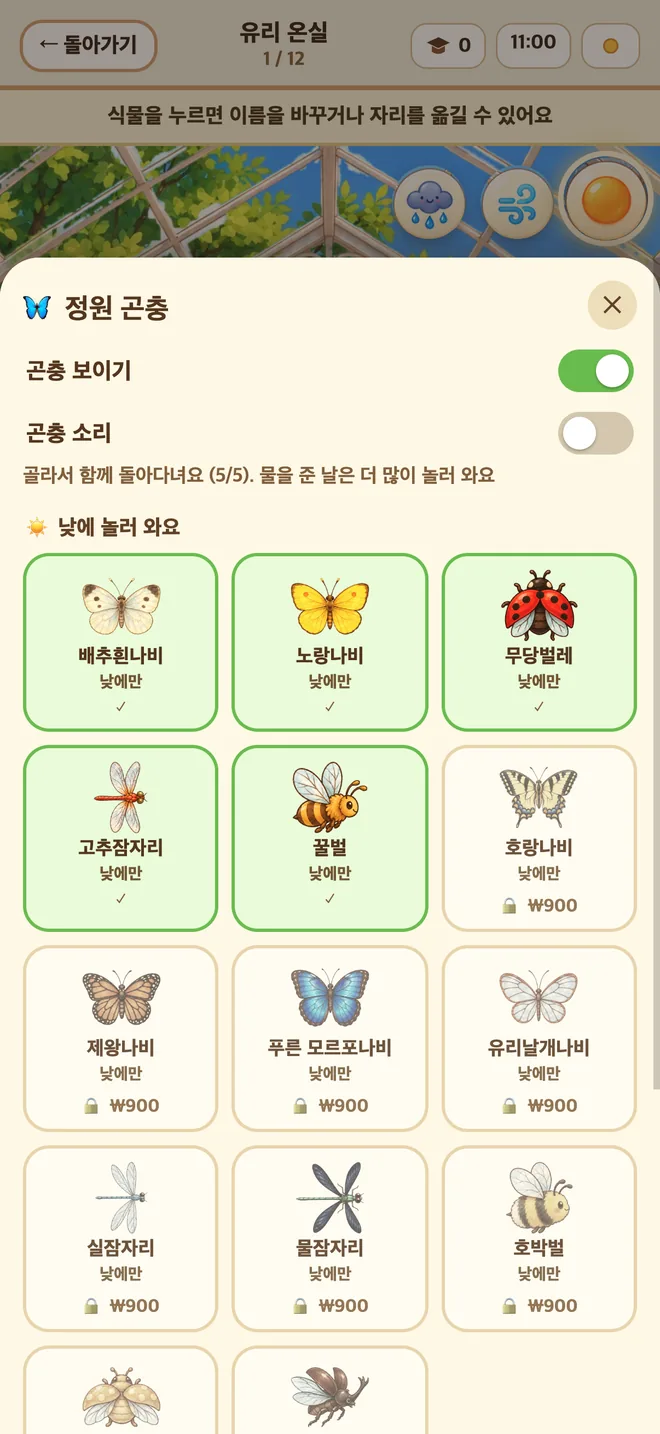
나비·잠자리·꿀벌·무당벌레는 처음부터 놀러 와요. 반딧불이는 레벨을 올리면 만나고, 나방 같은 밤 곤충과 더 많은 곤충은 구입으로 더할 수 있어요. 눌러 보면 작은 반응을 하고, 곤충도 곤충 소리도 언제든 끌 수 있어요.

Butterflies, dragonflies, bees and ladybugs visit from the start. Meet the firefly as you level up, and add moths and other night visitors, and more bugs, by buying them. Tap one for a little reaction, and switch bugs and bug sounds off any time.

蝴蝶、蜻蜓、蜜蜂和瓢虫一开始就会来做客;提升等级可以见到萤火虫,飞蛾等夜间昆虫和更多昆虫可以通过购买增加。轻点它们会有小小的反应,昆虫和昆虫声音都可以随时关闭。
리틀 팟 화면Little Pot screen小盆友画面

창가에서 식물 키우기Grow a plant by your window在窗边养一盆植物

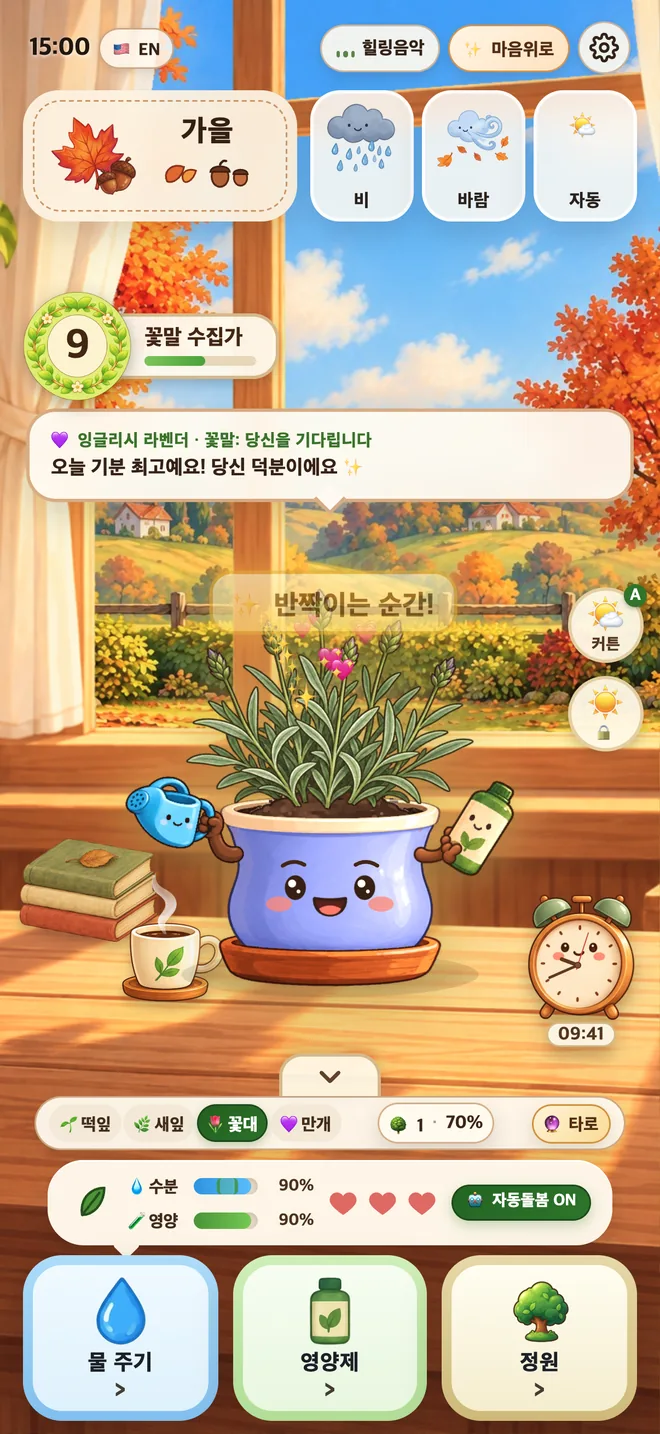
물과 영양제를 챙기고 커튼으로 빛을 맞추며 새싹에서 활짝 필 때까지 키워요. 앱을 꺼 두어도 시간은 흐르고, 자동돌봄을 켜 두면 알아서 챙겨요.

Water and feed it, use the curtain to balance the sunlight, and watch it grow from sprout to bloom. Time keeps passing while the app is closed, and auto care can look after it for you.

浇水、施营养液,再用窗帘调节光照,看它从小芽长到盛开。关掉应用时间也在走,打开自动照料,它会替你留意。
리틀 팟 화면Little Pot screen小盆友画面

1.1.0 새 기능New in 1.1.01.1.0 新增

식물 30종 넘게, 과일나무까지30+ plants, fruit trees included30多种植物,还有果树

사과나무를 비롯해 처음부터 있는 식물, 복숭아나무·딸기·블루베리처럼 레벨이 오르면 선물로 오는 식물, 레몬·아보카도·오렌지·자몽·포도·산딸기처럼 구입으로 더하는 식물이 있어요. 나무는 정원에서 계절 따라 모습이 바뀌며 자라요.

Plants you start with, such as the apple tree; plants that arrive as gifts as you level up, such as the peach tree, strawberry and blueberry; and plants you add by buying them, such as lemon, avocado, orange, grapefruit, grapevines and raspberry. Trees change with the seasons as they grow in the garden.

一开始就有的植物(如苹果树)、提升等级后收到的礼物植物(如桃树、草莓、蓝莓),以及通过购买增加的植物(如柠檬、牛油果、橙子、葡萄柚、葡萄藤和覆盆子)。树木移栽到花园后,会随季节变换模样慢慢长大。
리틀 팟 화면Little Pot screen小盆友画面

쉬는 소리와 소리 믹서Rest sounds and a sound mixer休息音与音效混音

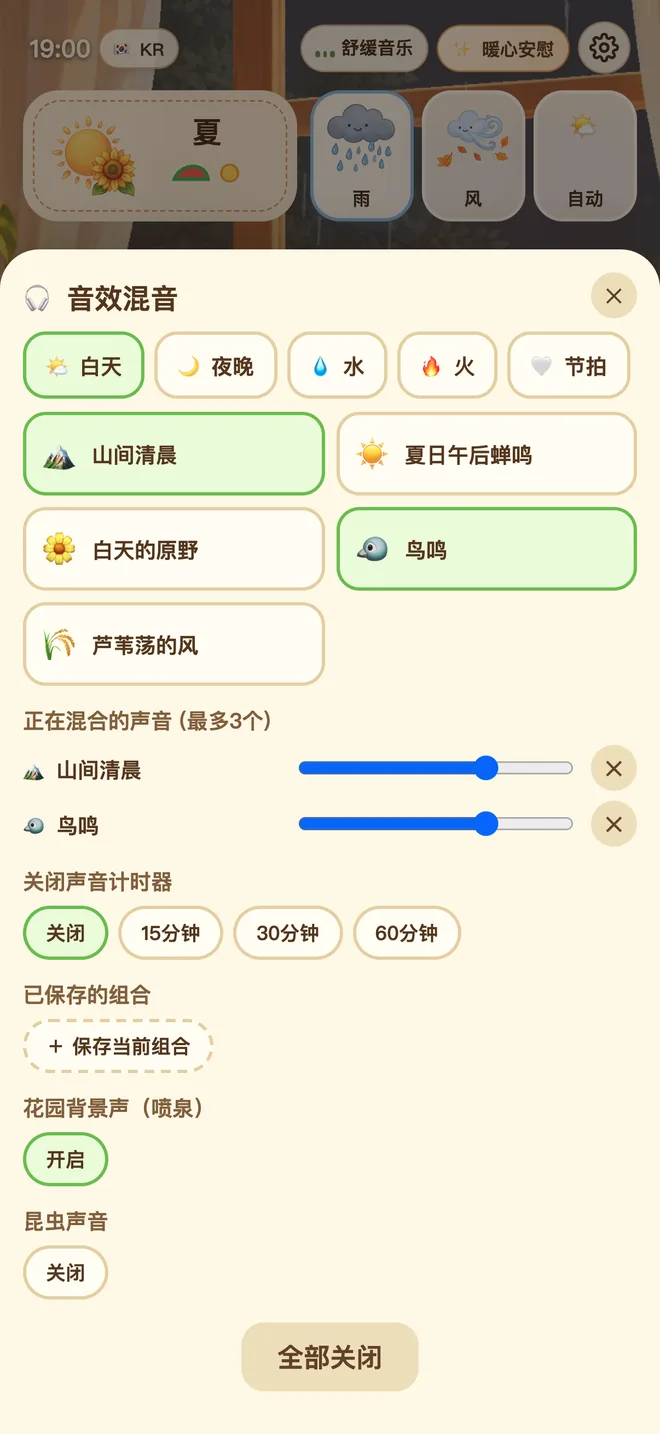
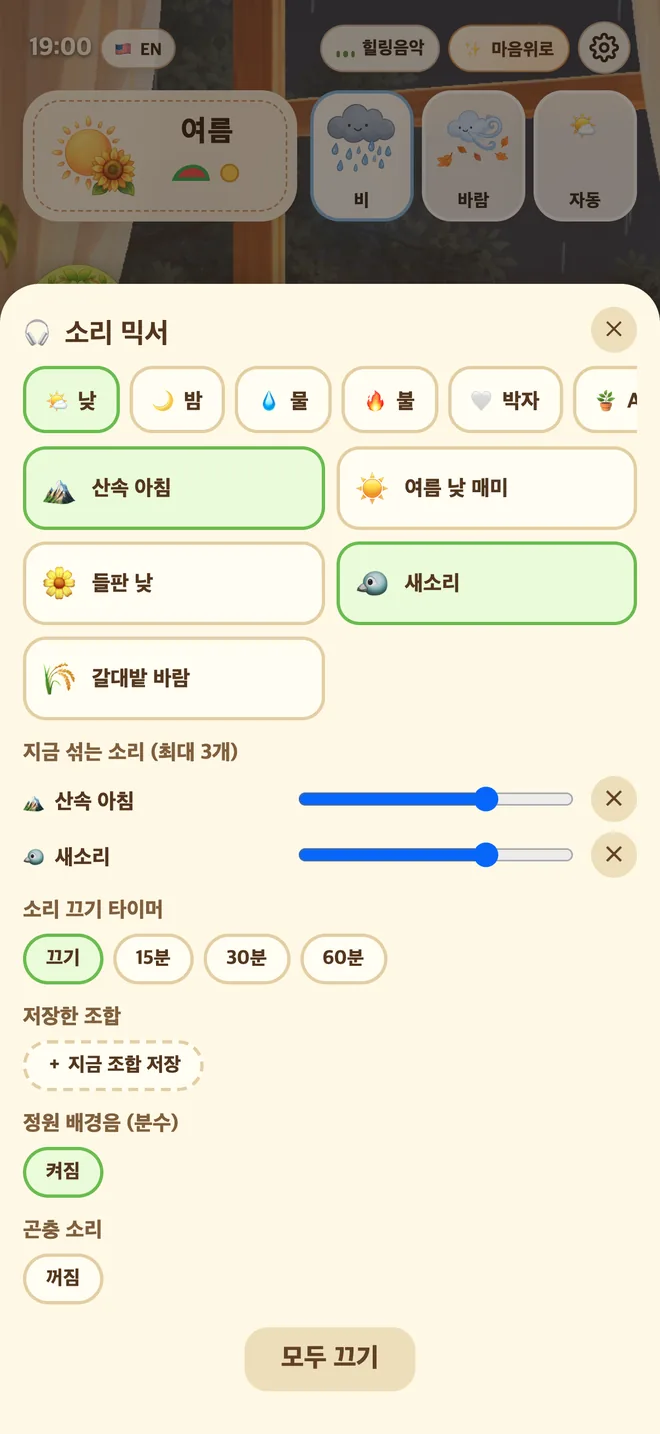
산속 아침, 시냇물, 풀벌레, 모닥불, 빗소리, 피아노까지 30가지가 넘는 소리 중 최대 3개를 섞고, 소리 끄기 타이머로 자동으로 꺼요.

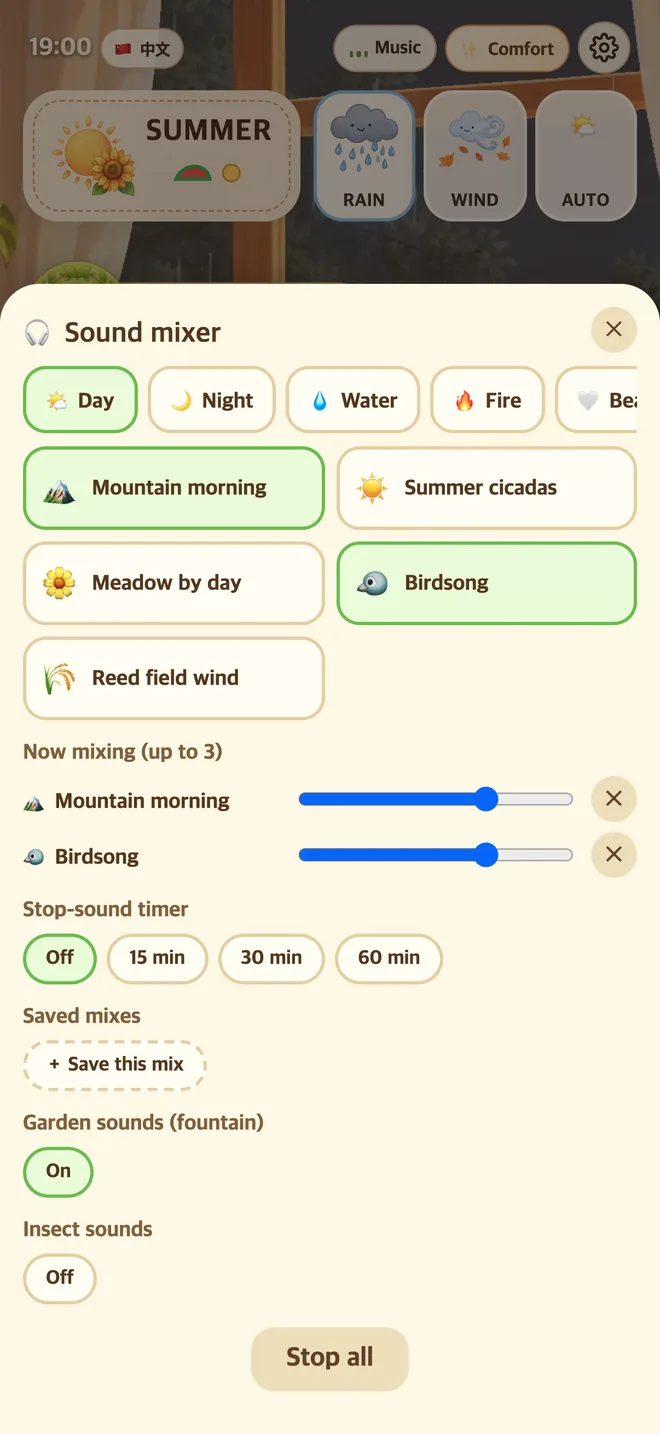
Mountain mornings, brooks, crickets, a campfire, rain, soft piano and more, over 30 sounds in all. Mix up to three, and use the stop-sound timer to switch them off.

山间清晨、小溪、草虫、篝火、雨声、钢琴……共30多种声音,最多可同时混合3种,还能用“关闭声音定时”自动停止。

1.1.0 새 기능New in 1.1.01.1.0 新增

시계 타이머A clock timer台钟计时器

창가의 탁상시계를 누르면 타이머가 열려요. 공부나 일할 시간을 15·25·45·60분이나 직접 맞춰 두세요(앱이 켜져 있을 때만 작동해요).

Tap the desk clock by the window to open a timer. Set 15, 25, 45 or 60 minutes, or your own, for study or work (it works only while the app is open).

点一下窗边的台钟就能打开计时器。学习或工作时,可以设15、25、45、60分钟或自定义时间(仅在应用打开时有效)。

정원사 레벨Gardener level园丁等级

화분을 돌보고 정원을 가꾸면 메달이 자라요. 쉬어도 줄지 않고, 레벨마다 식물·정원·탁상 소품·새 소리가 선물로 와요.

Care for your pot and tend your garden, and your medal grows. Resting never takes anything away, and every level brings a gift: plants, gardens, desk keepsakes and new sounds.

照料花盆、打理花园,勋章会慢慢成长。休息几天也不会减少,每个等级还会送上礼物:植物、花园、桌面小物和新的声音。

한국어 · English · 简体中文Korean · English · Simplified Chinese简体中文 · English · 한국어

버튼 하나로 언어를 바꿔요. 큰 글씨 모드도 있어요. 맥에서는 화면 구석에 두는 작은 창으로 쓸 수 있어요(작게·중간·가리기).

Change the language with one button, and turn on large text if you like. On Mac it is a small window you can keep in a corner of the screen (Small, Medium or Hidden).

一个按钮就能切换语言,还有大字体模式。在 Mac 上,它是可以放在屏幕角落的小窗口(小、中、隐藏三种大小)。

받기와 구입Download and purchases下载与购买

다운로드 안내Download下载说明

  • 아이폰과 맥에서 받을 수 있어요. 아래 링크 하나로 같은 앱을 아이폰과 맥에서 받아요.
  • 맥에서는 화면 구석에 작게 두고 일하는 동안 곁에 두는 작은 창으로 쓸 수 있어요.
  • Available on iPhone and Mac. One link gets you the same app on both.
  • On Mac it is a small window you can keep in a corner of your screen while you work.
  • 可在 iPhone 和 Mac 上下载。 用同一个链接,就能在 iPhone 和 Mac 上获取同一款应用。
  • 在 Mac 上,它是工作时可以小小地放在屏幕角落陪着你的小窗口。

App Store에서 받기Get it on the App Store在 App Store 下载

구입 안내About purchases购买说明

  • 앱 안에서 식물, 정원, 정원 곤충, 햇살 시계(식물이 두 배로 자라요)를 한 번 결제로 추가할 수 있어요. 구독이 아니에요.
  • 구입은 선택이에요. 아무것도 사지 않아도 첫 새싹부터 시작해, 유리 온실에 레벨 선물로 오는 정원 4곳(모두 5곳)과 식물 21종, 곤충 6종으로 정원을 가득 채워 가며 끝까지 즐길 수 있어요. 나머지 정원 4곳, 식물 17종, 곤충 11종은 구입으로 더해요.
  • 가격은 App Store가 사용하시는 지역의 가격으로 보여 줘요.
  • 이미 구입한 항목은 설정의 구매 복원으로 다시 쓸 수 있어요(같은 Apple 계정).
  • Inside the app you can add plants, gardens, garden bugs and the Sun Clock (plants grow twice as fast), each as a one-time purchase. There are no subscriptions.
  • Buying is optional. Without buying anything you can start from the first sprout and enjoy the whole app with the glass greenhouse plus four gardens that arrive as level gifts (five in all), 21 plants and 6 bugs, filling your gardens as you go. The other four gardens, 17 plants and 11 bugs are added by buying them.
  • The App Store shows prices in your region's currency.
  • Bring back what you already bought with Restore Purchases in Settings (same Apple account).
  • 植物、花园、花园昆虫和阳光时钟(植物以两倍速度生长)都可以在应用内 一次购买、永久使用,不是订阅。
  • 购买是自愿的。 什么都不买,也可以从第一株新芽开始,用玻璃温室加上随等级赠送的4座花园(共5座)、21种植物和6种昆虫,一路把花园种满。其余4座花园、17种植物和11种昆虫需要购买。
  • 价格由 App Store 按你所在地区的货币显示。
  • 已购买的内容可以在设置里通过 恢复购买 找回(使用同一个 Apple 账户)。

개인정보 요약Privacy at a glance隐私一览

자세한 내용: 개인정보 처리방침Details: Privacy Policy详情:隐私政策

자주 묻는 질문Frequently asked questions常见问题

알람이 사라졌나요?Did the alarm go away?闹钟没有了吗?

네. 1.1.0에서 시계의 알람은 타이머로 바뀌었어요. 탁상시계를 누르면 열리고, 공부나 일할 때 15~60분 등을 맞춰 쓸 수 있어요. 앱이 켜져 있을 때만 작동해요. 앱은 알림을 보내지 않아요.

Yes. In 1.1.0 the clock's alarm has been replaced by a timer. Tap the desk clock to open it and set 15 to 60 minutes or so for study or work. It works only while the app is open. The app sends no notifications.

是的。1.1.0 里,台钟的闹钟 改成了计时器。 点一下台钟就能打开,学习或工作时可以设15~60分钟等。仅在应用打开时有效。应用不会发送通知。

내 데이터는 어디에 저장되나요?Where is my data stored?我的数据保存在哪里?

식물, 정원, 레벨, 설정은 이 기기 안에만 저장돼요. 계정도 서버도 광고도 분석 도구도 없어요. 앱을 지우면 기록도 함께 지워져요. 구입한 항목은 같은 Apple 계정으로 구매 복원을 하면 돼요.

Your plants, gardens, level and settings are stored on this device only. There is no account, no server, no ads and no analytics. Deleting the app deletes the progress too. Purchases come back with Restore Purchases on the same Apple account.

植物、花园、等级和设置 只保存在这台设备上。 没有账号,没有服务器,没有广告,也没有统计分析。删除应用时进度会一起清除。购买的内容,用同一个 Apple 账户 恢复购买 即可找回。

업데이트하면 저장이 유지되나요?Will my save survive the update?更新后存档还在吗?

네. 1.0에서 키우던 식물과 정원은 그대로 이어지고, 이미 심어 둔 식물은 자리가 바뀌지 않아요.

Yes. The plants and gardens you grew in 1.0 carry over, and planted plants keep their spots.

在。1.0 里养的植物和花园会原样接续,已经种下的植物位置不变。

산 것이 안 보여요.I cannot see what I bought.买的东西看不到了。

설정(⚙️) 첫 탭 맨 위 구매 복원의 [복원]을 눌러 보세요.

Tap Restore on the Restore Purchases card at the top of the first tab in Settings (⚙️).

请点设置(⚙️)第一个标签最上方“恢复购买”卡片里的 恢复。